
Your appointment
How to prepare for a mobile mechanic appointment.
A practical checklist for vehicle details, parking, authorization and communication before your mobile repair visit.
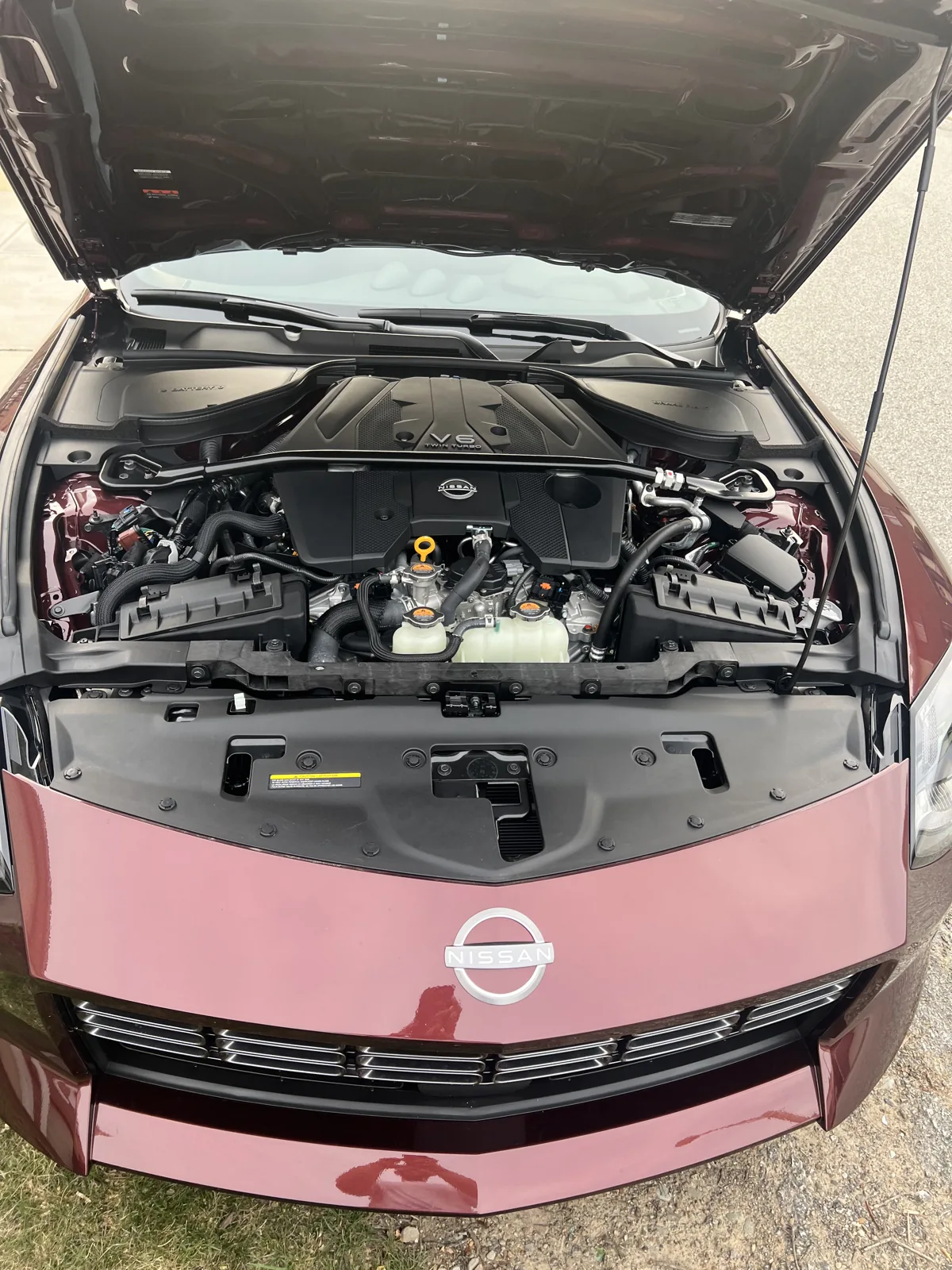
Have the vehicle information ready
Send the year, make and model, along with a VIN or license plate and state when available. Engines, trims and equipment can change the required parts or procedure, so accurate identification matters before work is estimated or scheduled.
Describe the concern in your own words: when it began, what changed and whether another shop has inspected the vehicle. A photo of a warning message or a previous diagnostic report can help. You do not need to diagnose the problem yourself.
Confirm the address and work area
Provide the exact service address, not just the neighborhood or billing address. Include useful access details and make sure the vehicle will be available where expected. If it is at work, confirm automotive service is allowed on the property.
Keep the area accessible, and mention tight parking, a steep surface or garage restrictions in advance. The technician will still assess whether the location is suitable for the planned work.
Review the estimate and authorization
Read the estimate, selected services and applicable terms before authorizing work. Ask about diagnosis, repair scope or parts while there is time to resolve questions. Follow the payment or appointment requirements shown with your estimate.
If diagnosis identifies a different repair need, that should lead to an explanation and appropriate authorization. Keep a reliable contact number available so the team can communicate findings or scheduling questions.
Keep the handoff simple
Arrange access to the keys and tell us who can answer questions during the visit. Remove belongings from areas that need access. Keep pets and children away from the work area and follow the technician’s instructions around equipment.
Afterward, review the work performed, remaining recommendations and receipt information. Your Mokanex customer portal brings service requests and available account information together so you can keep track of the next step.